How to write a homepage that turns visitors into enquiries
A section-by-section framework for service business homepages, with the words, proof and calls to action that make a stranger pick up the phone. Includes examples and a checklist.
 Imtiaz Nayeem26 October 2026 · 6 min read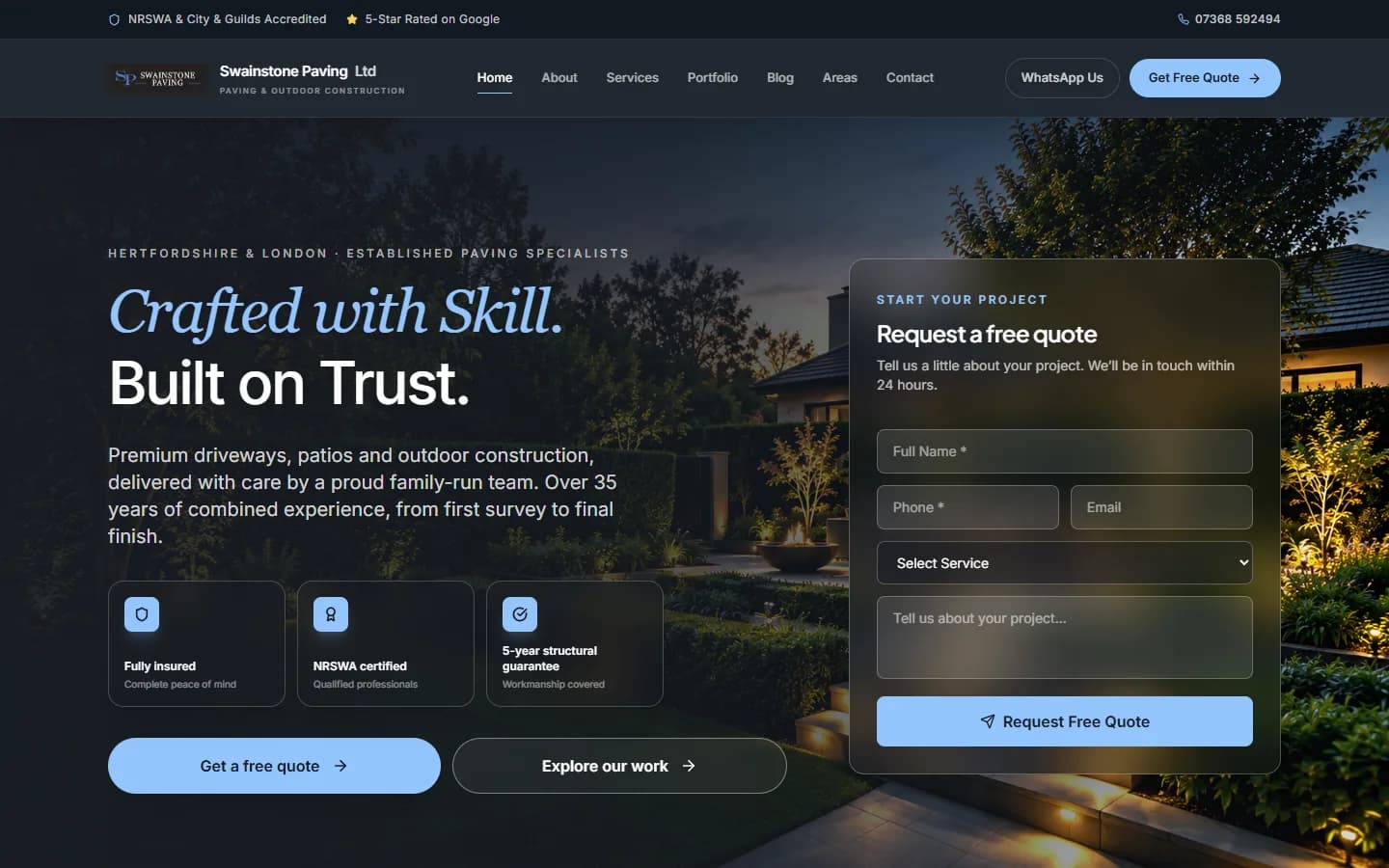
In this article
- Start with how customers actually decide
- Section 1: The first screen
- Section 2: Your services
- Section 3: Proof of your work
- Section 4: Reviews
- Section 5: Why choose you
- Section 6: How it works
- Section 7: Areas you cover
- Section 8: The final call to action
- Writing the words
- On mobile, everything matters more
- Your homepage checklist
- The short version
Most homepages for service businesses are written for the owner. They open with the company story, list every service in one long paragraph and finish with "Contact us". They're not wrong, exactly. They just don't sell.
A homepage that brings in work is written for one person: a stranger on a phone, deciding in seconds whether to trust you. This is the structure I use for every service business homepage, section by section, with the reasoning behind each part.
Start with how customers actually decide
Before anyone gets in touch, they quietly work through the same questions, in roughly this order:
- Is this what I need, and do they work in my area?
- Are they any good?
- Can I trust them?
- What will it be like to work with them?
- How do I get started?
A good homepage answers those questions in that order. Every section below maps to one of them.
Section 1: The first screen
The first screen does more work than the rest of the page combined, because it's the only part every visitor sees. It needs to answer the first question instantly.
Say what you do and where
"Driveways and patios in St Albans" tells a visitor they're in the right place. "Quality you can trust" tells them nothing. Lead with the service and the area, then add personality in the supporting line.
A useful pattern:
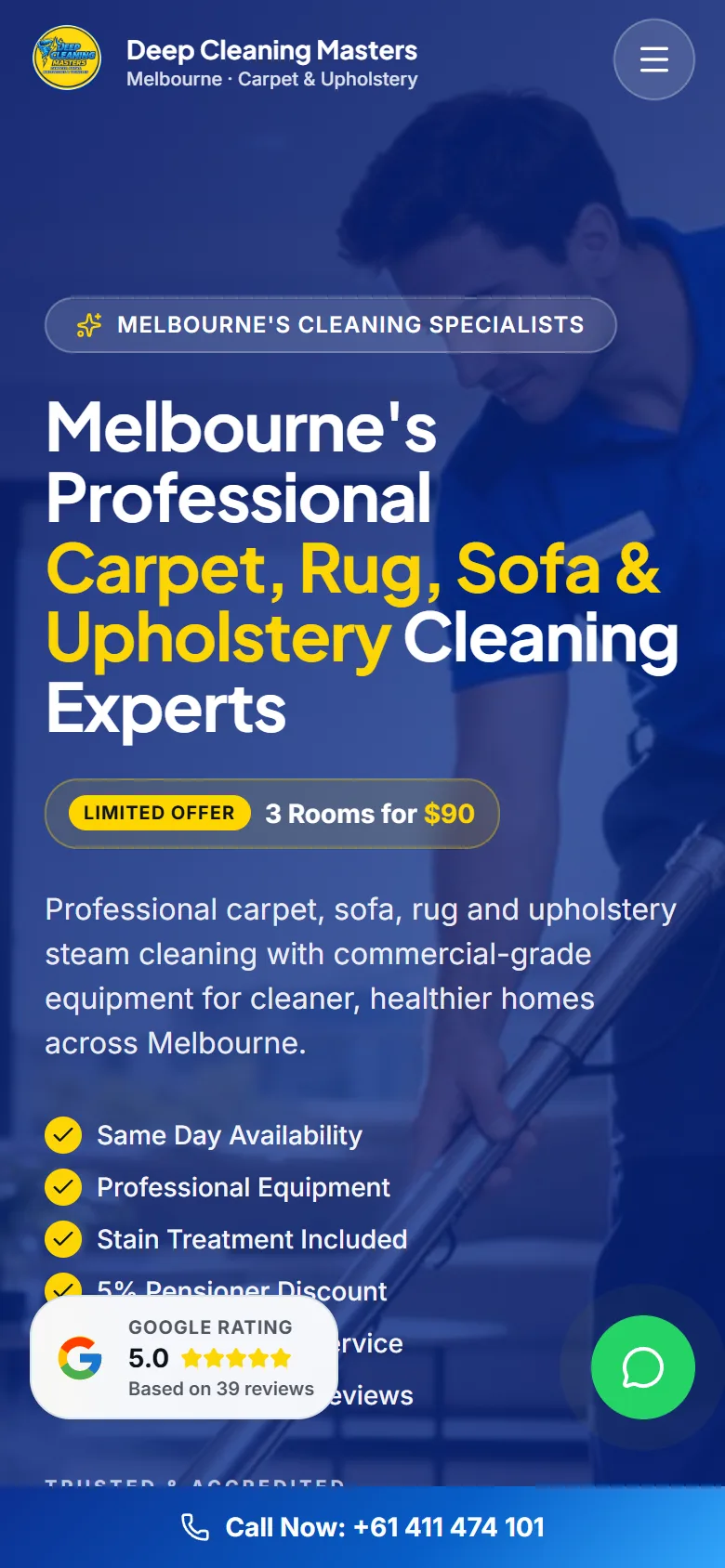
- Eyebrow: your area and specialism, such as "Hertfordshire's paving specialists"
- Headline: the outcome customers want, or what you do, in plain words
- Supporting line: one sentence on why you, with a specific detail
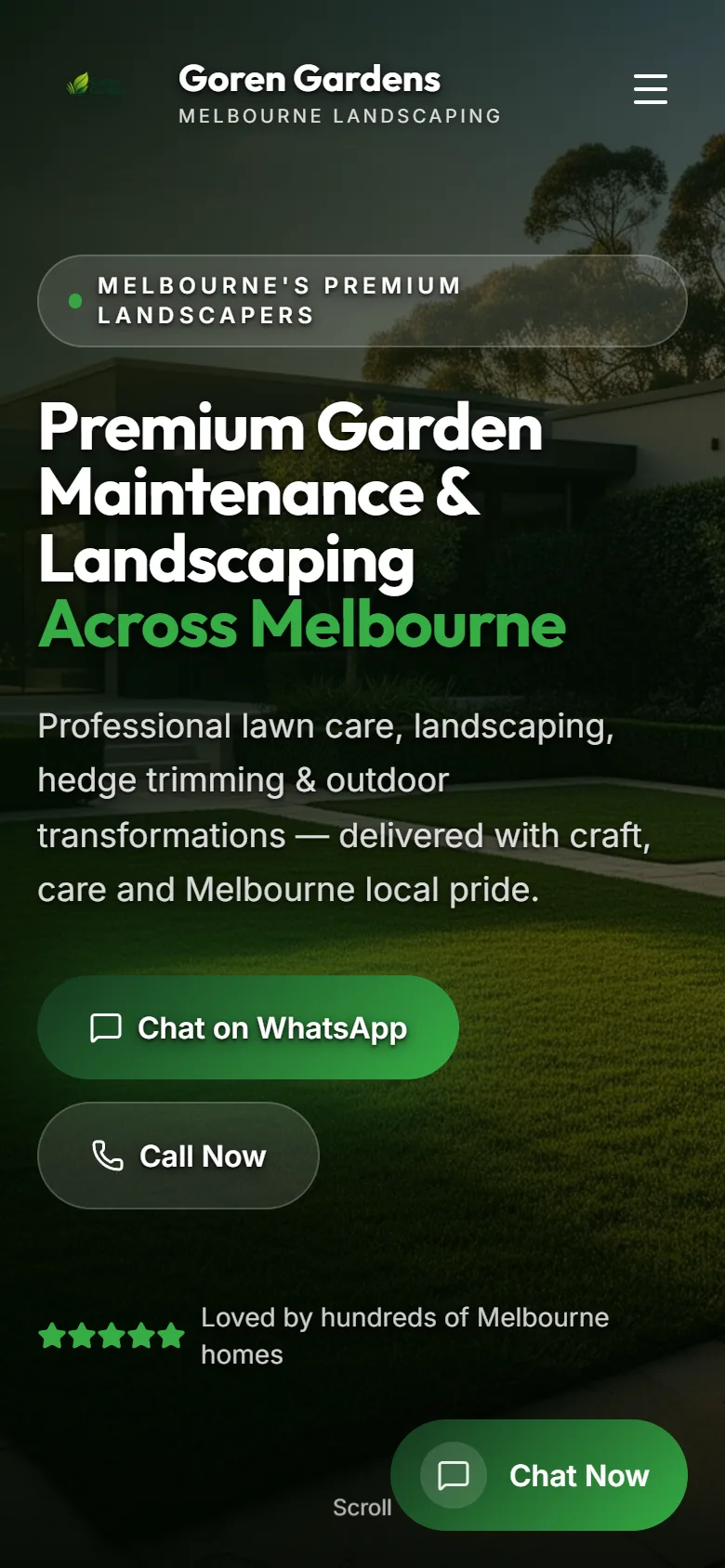
- Two buttons: the main action, like "Get a free quote", and a softer one, like "See our work"
Put trust right next to the buttons
Under the buttons, show three or four quick proofs: your Google rating, years in business, insurance, accreditations, or a guarantee. People decide whether to tap a button by what they see right beside it.
Consider a quote form in the first screen
For trades where people are ready to act, putting a short form beside the headline works well. Keep it short: name, phone, the service they need and a message. Every extra field loses enquiries.
Tip: Open your homepage on your phone and cover everything below the first screen with your hand. If a stranger can't tell what you do, where, and how to contact you from what's left, rewrite the top.
Section 2: Your services
Next, help visitors find their specific need. Show your main services as cards, each with:
- A clear name that matches what customers search for
- One line on what it includes or who it's for
- A photo of that kind of job
- A link to its own page
Keep it to your main services. If you offer fifteen things, show the six that bring in the most work and link to the rest.
Section 3: Proof of your work
Service businesses are hired on proof. This section answers "are they any good?"
Show real photos, large
Your own photos of finished jobs beat any stock image, even if they're not professional. Before-and-after pairs are the most persuasive format there is, because they show the transformation, not just the result.
Tell project stories
Instead of a grid of thumbnails, feature two or three projects properly: what the customer wanted, what you did, the materials or methods you used, and the finished result. Specific details like the size of a driveway or the type of stone signal expertise in a way adjectives never can.
Section 4: Reviews
Reviews are word of mouth for strangers. Show three to six of your best, with the customer's first name and where the review came from, such as Google. Link to your full Google reviews so visitors can check for themselves.
Choose reviews that mention specifics: punctuality, tidiness, communication, the finish. Those details answer the worries people actually have.
Section 5: Why choose you
This is where most homepages list vague strengths like "professional", "reliable" and "affordable". Everyone says those, so they carry no weight.
Replace each vague claim with a specific, checkable one:
| Vague | Specific |
|---|---|
| Professional | Fully insured, with a written 5-year guarantee |
| Experienced | 35 years of combined experience in the team |
| Reliable | We confirm every appointment the day before |
| Great service | Free, no-obligation quotes, with photos sent the same day |
Four to six specific reasons are plenty.
Section 6: How it works
Uncertainty kills enquiries. A short process section, three to five steps, removes it:
- Get in touch by phone, WhatsApp or the form
- We visit, measure and talk through what you want
- You get a clear written quote
- We do the work and tidy up properly
Seeing the path makes the first step feel small.
Section 7: Areas you cover
List the towns and areas you work in. It reassures visitors, and it helps Google connect your business to those places. If you have a page for each main area, link to them here.
Section 8: The final call to action
End with one clear invitation and every way to take it: a button, your phone number and WhatsApp. Repeat the main proof, such as your rating, right beside it. Someone who has scrolled to the bottom is interested, so make the next step obvious.
Writing the words
The structure matters, but so does how you write.
- Write like you talk. Short sentences, everyday words, no jargon.
- Talk about the customer. "Your new driveway" beats "Our services include driveways".
- Be specific. Numbers, materials, places and timescales you can stand behind.
- One idea per sentence. People skim on phones.
- Make every button say what happens next. "Get a free quote" beats "Submit".
On mobile, everything matters more
Most visitors will see your homepage on a phone. Check that:
- The headline and main button are visible without scrolling
- Buttons are big enough to tap with a thumb
- There's a call or WhatsApp button that stays on screen as people scroll
- Images are compressed, so the page loads quickly on mobile data
Your homepage checklist
- First screen says what you do, where, and how to get in touch
- Trust signals sit right beside the main button
- Main services shown as cards with photos and links
- Real photos and two or three project stories
- Three to six named reviews, linked to Google
- Specific reasons to choose you, not vague adjectives
- A three-to-five step process
- Areas you cover
- A final call to action with every contact option
- Checked on a phone, with a sticky contact button
The short version
A homepage that wins work answers a customer's questions in the order they ask them: what you do and where, whether you're good, whether you can be trusted, what working with you is like, and how to start. Lead with clarity, back every claim with proof, and make getting in touch effortless.
If you'd like to see this structure applied to your business, I'll design your homepage as a free demo.