What a service business website actually needs in 2026
Most service business websites are built like brochures. The ones that bring in steady work are built like quote machines. Here's the difference, section by section.
 Imtiaz Nayeem23 October 2026 · 3 min read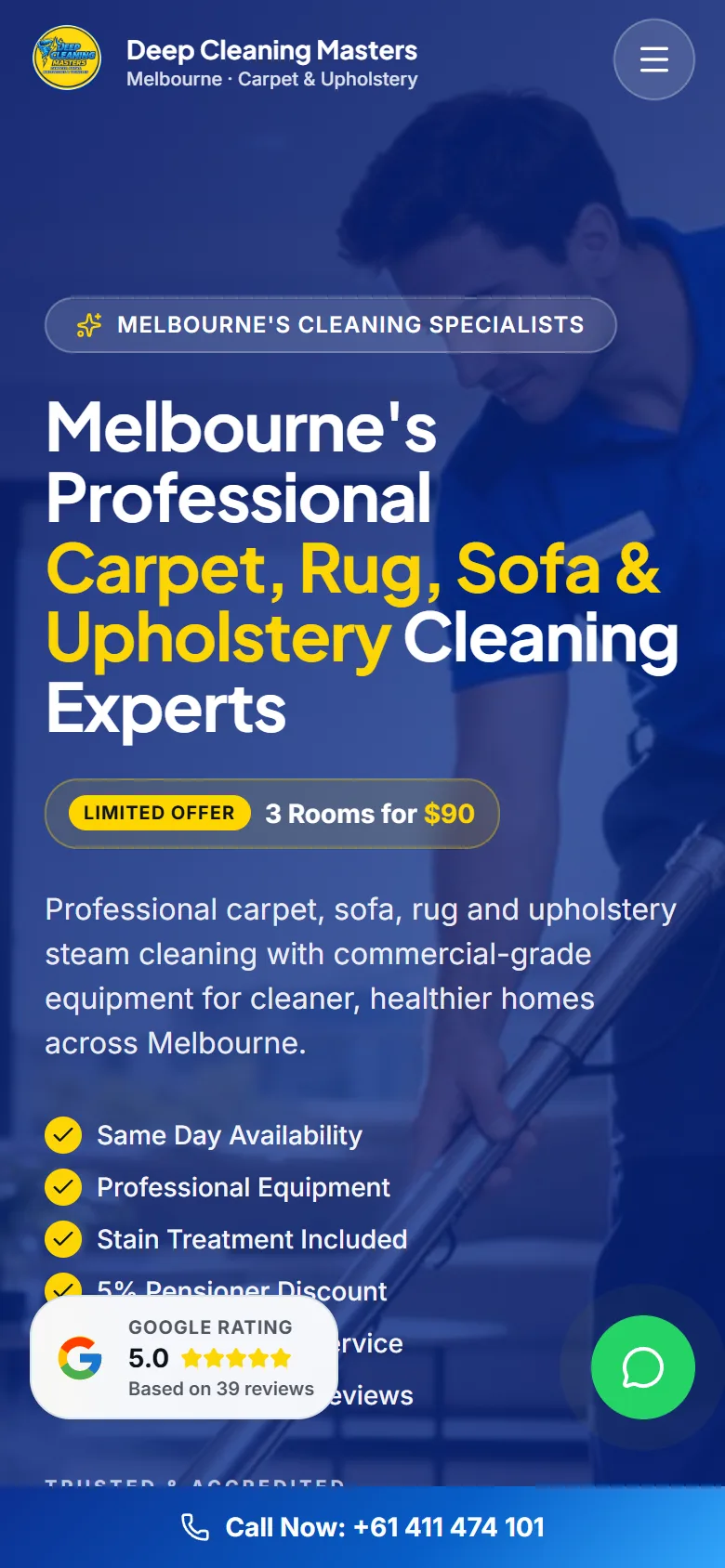
In this article
Most websites for service businesses are built like brochures. A logo, a paragraph about the company, a gallery and a contact page. They look fine, and they bring in almost nothing.
The websites that keep a diary full are built differently. They're built around one job: turning a stranger on a phone into an enquiry. Here's what that takes.
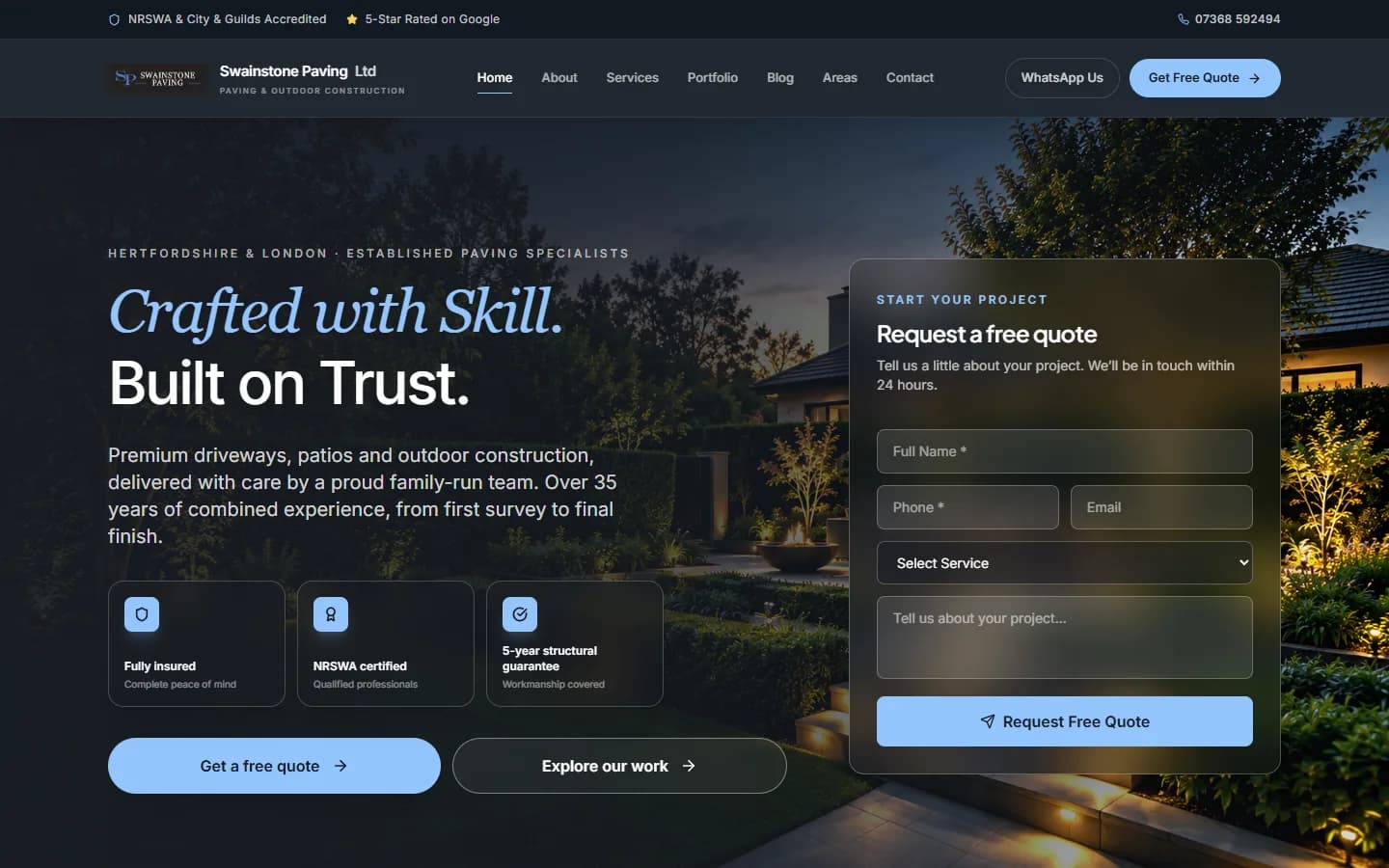
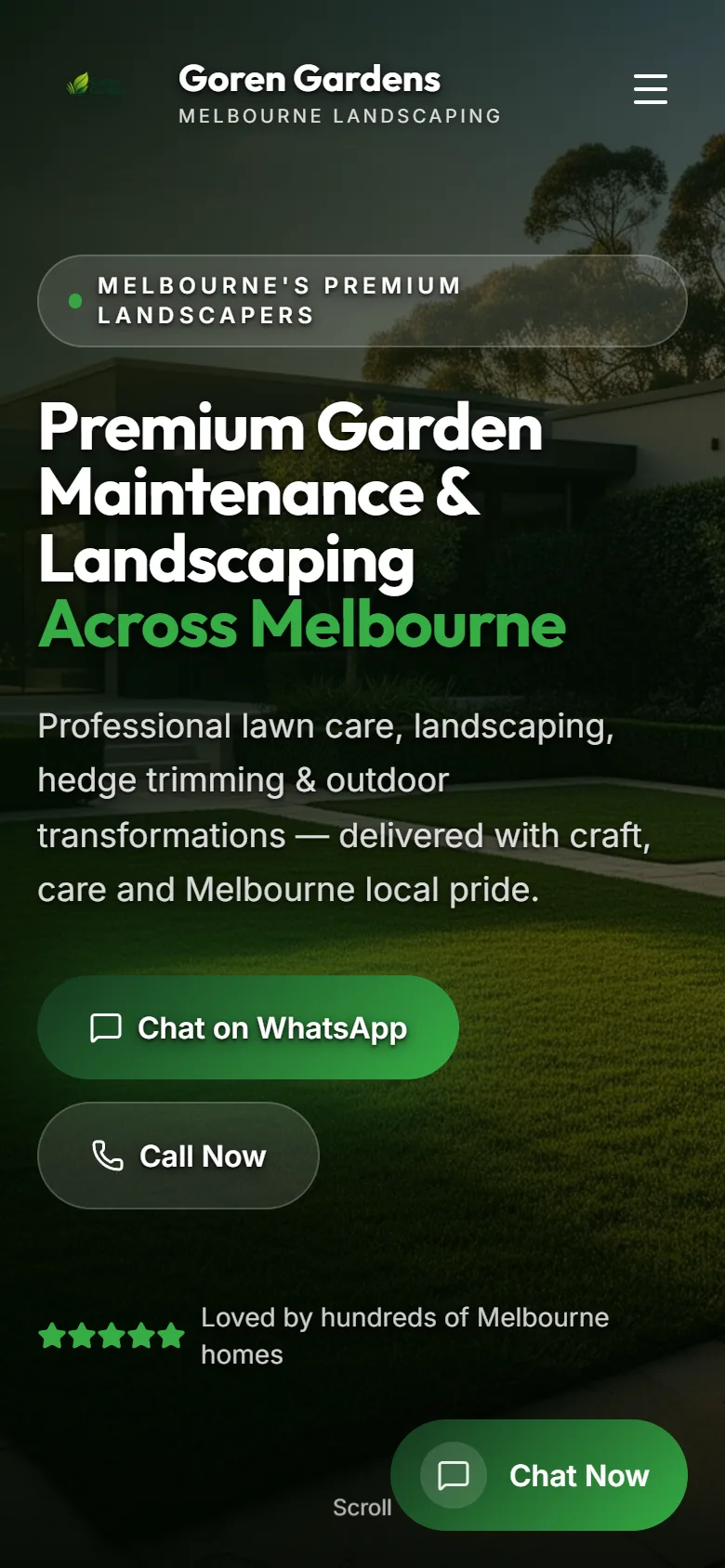
1. A first screen that answers three questions
When someone lands on your site, they decide in a few seconds whether to stay. In that time your first screen needs to answer:
- What do you do? "Driveways and patios", not "Quality you can trust".
- Where? The towns or areas you cover.
- How do I get in touch? A button, a phone number, a WhatsApp link.
If a visitor has to scroll to find out whether you even work in their area, many of them won't.
2. Your real work, large and fast
People hire service businesses on proof. Your finished jobs are your best salespeople, so give them room: big photos, before-and-afters, and projects grouped by type.
Two things matter here. Use your own photos, not stock images, because customers can tell. And make sure the images are compressed and sized properly, or your beautiful gallery will make the site crawl on mobile data.
3. A page for every service
One page that lists everything you do will struggle to rank for anything. A separate page for each service, with what it includes, how it works and photos of that kind of job, does two things:
- It answers the specific question the visitor searched for.
- It gives Google a clear page to show for that search.
If you cover several towns, the same logic applies to area pages, as long as each one has genuinely useful content for that area.
4. Contact options for every kind of customer
Some people want to call. Some want to WhatsApp you a photo of the job. Some prefer a short form they can fill in at 11pm. Offer all three, and keep the form short: name, contact details, what they need. Every extra field loses you enquiries.
On a phone, a sticky contact bar at the bottom of the screen means the next step is always one tap away.
Tip: Open your own site on your phone and try to get in touch using one thumb. If it takes more than one tap from any page, it's costing you enquiries.
5. Trust, where people look for it
Reviews, accreditations, insurance, guarantees and years in business should sit close to your calls to action, not buried on an About page. A visitor deciding whether to get in touch should see the reasons to trust you right there.
6. Speed
A slow website loses people before they've seen anything. Google also uses page speed as a ranking signal. Aim for a site that loads in around two seconds on a mobile connection. That usually means hand-built pages, properly sized images and as little third-party code as possible.
7. The basics Google needs
You don't need to be an SEO expert, but your site should have:
- A unique title and description on every page
- Your business name, address and phone number, consistent everywhere
- A sitemap submitted to Google Search Console
- Local business information marked up so Google understands what you are
Quick checklist
- Your first screen says what you do, where, and how to get in touch
- Your gallery uses your own photos, compressed for mobile
- Every main service has its own page
- Visitors can call, WhatsApp or fill in a short form
- Reviews and accreditations sit next to your buttons
- The site loads quickly on mobile data
- Every page has its own title and description
The short version
A website for a service business has one job: turn visitors into enquiries. Lead with what you do and where, show real work, give each service its own page, make contact effortless, put trust signals near the buttons, and keep it fast.
If you'd like to see what that looks like for your business, send me your links and I'll design your new homepage as a free demo.