7 things that make customers trust your website in seconds
People decide whether to trust a business within moments of landing on its website. These seven signals do most of the work.
 Imtiaz Nayeem23 October 2026 · 2 min read
In this article
Letting a stranger into your home, onto your property or near your skin takes trust. Before a customer gets in touch, your website has to earn some of it. Most of that decision happens within seconds, and it's driven by a handful of signals.
1. Real photos of real work
Stock photos are easy to spot, and they quietly say "we have nothing of our own to show". Your own photos, even if they're not perfect, show that you do this work and do it well. Before-and-after pairs are especially convincing.
2. Reviews with names
Reviews are the closest thing to word of mouth online. Show a few of your best ones prominently, with the customer's name and, where possible, where they came from, such as Google or Facebook. Linking to your Google reviews lets visitors check for themselves.
Tip: Ask for a review the day you finish a job and send a direct link. That's when customers are happiest and most likely to write one.
3. A clear name, location and phone number
A business with no address, no phone number and only a contact form feels hard to reach if something goes wrong. Show where you're based, the areas you cover and a real phone number.
4. Accreditations and insurance
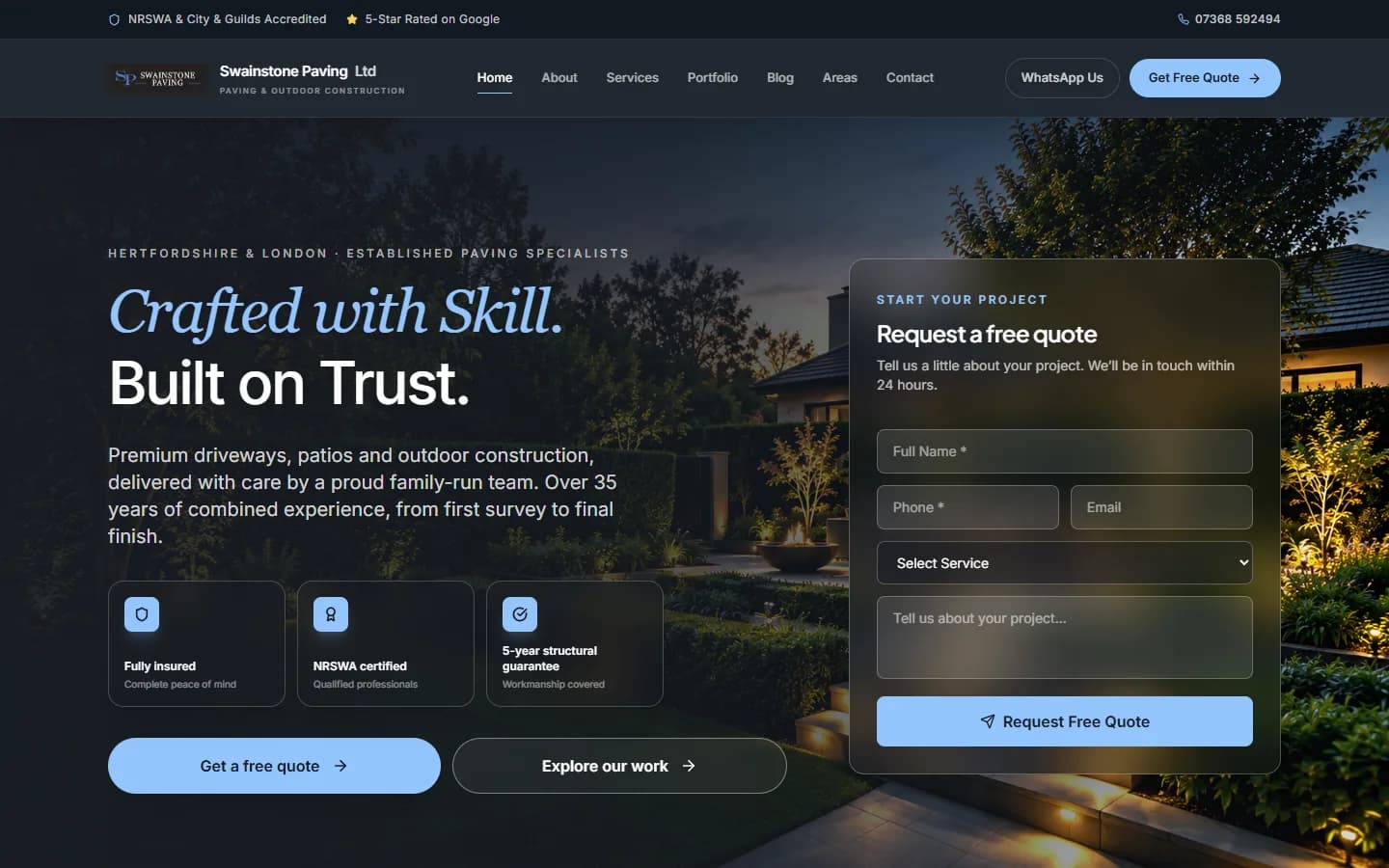
Trade bodies, certifications and insurance tell people you meet a standard. Place them near your calls to action, where the visitor is deciding whether to get in touch, rather than hiding them in the footer.
5. Clear information about how you work
Uncertainty kills enquiries. Explain your process in a few simple steps: what happens after they get in touch, whether quotes are free, how long jobs typically take. If you can, give a guide to pricing or what affects it.
6. A face behind the business
People buy from people. A photo of you or your team, and a short story about why you do what you do, makes a business feel human and accountable.
7. A site that looks cared for
A broken link, an old copyright date, a blurry logo or a page that doesn't work on a phone all suggest the business might cut corners elsewhere too. A modern, fast, well-designed site says the opposite: that you take care over details.
Quick checklist
- Swap any stock photos for your own work
- Show three or four named reviews, and link to your Google reviews
- Display your location, service areas and a real phone number
- Put accreditations and insurance next to your contact buttons
- Explain what happens after someone gets in touch
- Add a photo of you or your team
- Fix broken links and check every page on a phone
Putting it together
The most effective pages put these signals right where the decision happens. Next to your "Get a quote" button, a visitor should see a few reviews, your accreditations and a sense of who they'll be dealing with.
Trust isn't one big claim. It's lots of small proofs, placed where people need them.